Workflows
How Journalists Transcribe Interviews Fast (Without Transcription Services)
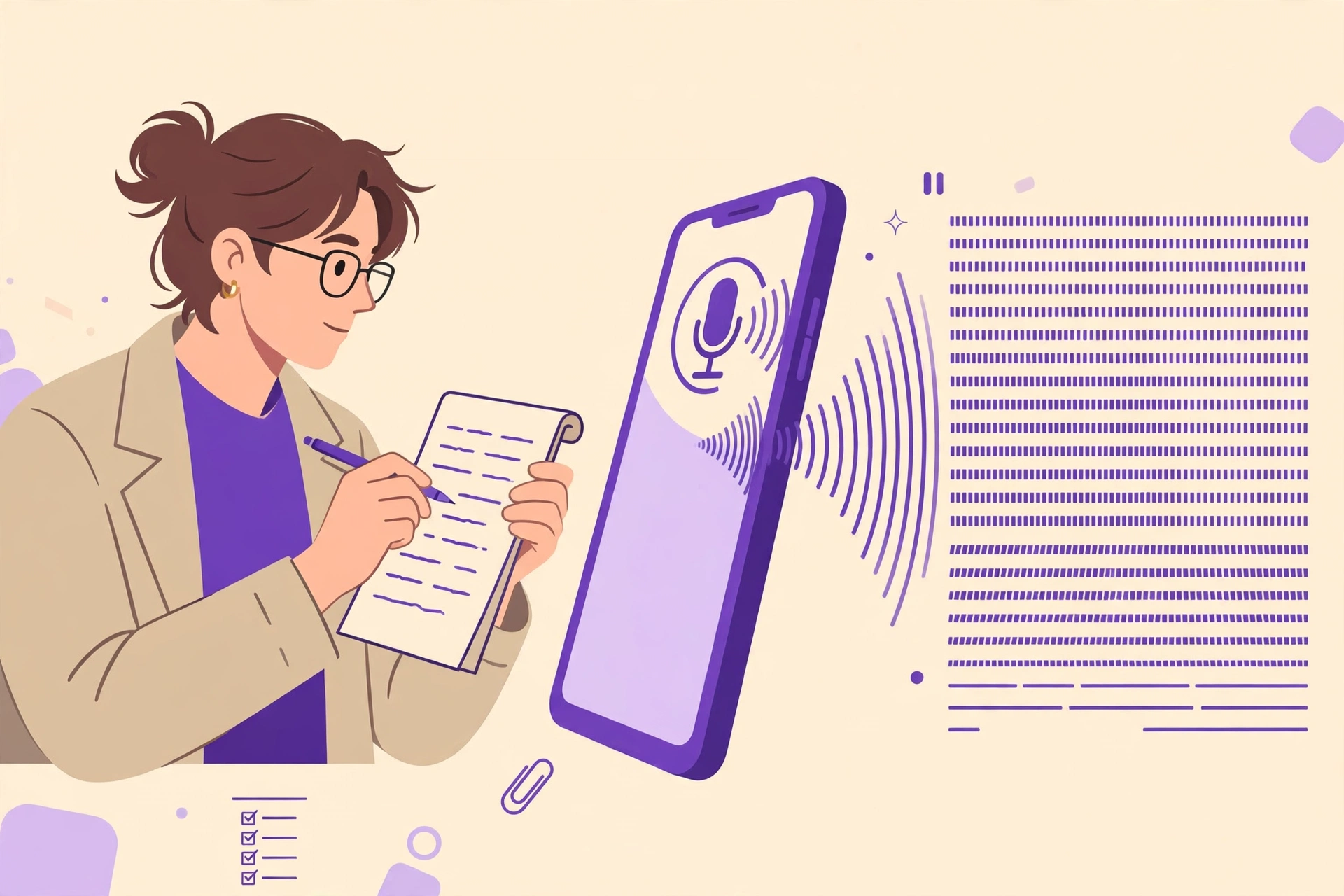
A 45-minute interview can eat an entire afternoon if you transcribe it the slow way — typing while you replay the audio, pausing every few seconds, losing the thread of what the person actually said. Most journalists don't have that kind of time, and most newsrooms don't have the budget to send every recording to a paid transcription service. The good news: you don't need either. With a free browser-based workflow, a 45-minute interview becomes a searchable, quotable transcript in about the time it takes to drink a coffee — and the whole process stays on your own device, which matters when your source spoke to you in confidence.
This guide walks through the workflow working journalists actually use: recording clean audio in the first place, transcribing it free in the browser, cleaning the result into quotes you can drop straight into copy, and filing everything so you can find a line six months later. No subscriptions, no uploads to a third-party server, no per-minute fees.
1. Record like a transcriber, not a listener
Transcription speed is decided before you press record. A clean recording transcribes almost perfectly; a noisy one produces a transcript you have to rebuild by hand. The single biggest upgrade is also the cheapest: get the microphone close to your interviewee. Phone recordings made across a café table pick up every clink and passing conversation. A phone held 20–30 cm from the speaker, or a small lavalier mic clipped to their shirt, changes everything. If you interview over Zoom or a phone call, record the call itself rather than holding your phone up to a speaker — every extra speaker in the chain adds distortion.
- Record in a quiet room when you can. Close the windows, turn off the fan, and pick the corner furthest from the street.
- Use airplane mode on the recording phone so an incoming call doesn't interrupt you mid-quote.
- Record a backup on a second device. A spare phone in your bag has saved more stories than any software ever will.
- State the date, the interviewee's name and spelling, and the topic at the start of the recording. Future-you will be grateful.
- Ask the interviewee to repeat a key quote slowly if it matters. A clean take of the one line you'll lead with is worth thirty seconds of patience.
None of this is fussy professionalism for its own sake. Every minute you spend on audio quality saves several minutes of cleanup later, because automatic transcription is only as good as the audio you feed it.
2. Transcribe free in the browser
Once you have the audio, the fastest free route is browser transcription: the audio is processed on your own device, nothing is uploaded, and there is no per-minute charge. That last point matters for journalists — a source who spoke off the record, or a vulnerable interviewee, should never have their voice sitting on a stranger's server. Browser tools like Captionbench's free transcription tool transcribe locally and export a timestamped transcript you can search, copy, and file.
- Load the recording. Open the tool in your browser and load the audio — an MP3, WAV, or the audio from a video file. There is no account to create and no file leaves your device.
- Pick the language of the interview. Most tools auto-detect, but selecting it manually improves accuracy, especially for accented English or interviews in Hindi or Urdu.
- Run the transcription and let it finish in the background while you write your intro or check your notes. A 45-minute interview typically takes a few minutes to process.
- Export the result as plain text or SRT. Plain text is best for drafting; SRT keeps timestamps if you need to jump back to the exact moment a quote was said.
Accuracy on clean audio is typically 90–95% for standard English — good enough that the cleanup pass is mostly fixing names, numbers, and the odd misheard word, not rewriting sentences. That is the whole point: the machine does the typing, you do the journalism.
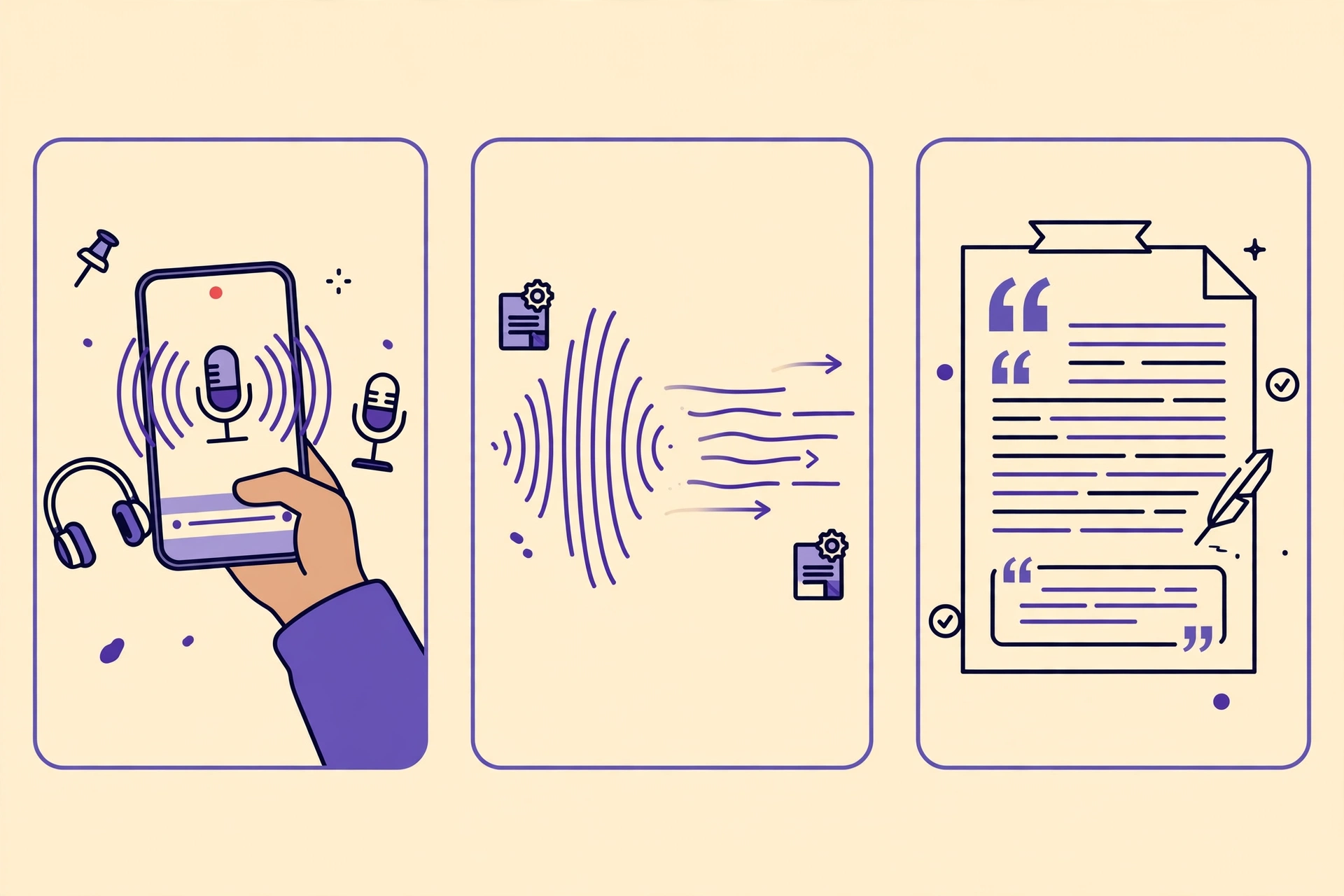
3. Clean the transcript into quotes you can actually use
A raw transcript is not a story. It's a 6,000-word wall of "ums", false starts, and sentences that trail off halfway. The cleanup pass is where the interview becomes copy, and it should take 15–20 minutes for a 45-minute interview — not another hour. Work through the transcript once, with the audio open, and do four things.
- Fix names, places, and figures first. These are what automatic systems get wrong most often, and they are what your editor will check first.
- Cut the filler — ums, repeated words, and half-finished sentences your interviewee abandoned. Keep the meaning; drop the noise. A cleaned quote reads the way the person meant it, not the way they stumbled through it.
- Mark your best quotes as you go. Highlight the two or three lines that could carry the story, and note their timestamps so you can verify them against the audio before filing.
- Check every number and every claim that will appear in print. Transcription can turn "fifteen" into "fifty" — the kind of error that survives a careless read and embarrasses you in print.
One caution: cleaning a quote is not the same as rewriting it. Fix grammar only where the meaning is clear and the speaker would recognise their own words. If a quote is genuinely ambiguous, go back to the audio — or ask the interviewee to clarify. Accuracy beats elegance every time.
4. File interviews so quotes stay findable
The interview you transcribe today is research for the story you'll write in six months. Journalists lose more time re-finding old quotes than they do transcribing new ones. A simple filing habit fixes that: one folder per story, with the audio, the cleaned transcript, and a short notes file inside. Name files the same way every time — date, interviewee surname, topic — so a search finds them instantly.
- Keep the original audio forever. Storage is cheap; a disputed quote is expensive.
- Put the key quotes in the notes file with timestamps, so you can search one file instead of opening ten.
- Tag sensitive interviews clearly and keep them off shared drives if your newsroom uses them — source protection starts with your own filing.
- Publish the transcript when you can. It makes the story available to deaf readers, helps search engines find your interview, and gives readers who prefer text a way in.
A transcript is also an accessibility asset: publishing it alongside an audio interview makes the story available to people who can't listen, and to anyone who wants to search the conversation. The same file that sped up your writing does double duty for your audience.
Mistakes that slow journalists down
- Transcribing by hand from scratch. Typing while replaying audio is the slowest possible method — let the machine do the first pass.
- Uploading sensitive interviews to paid services without thinking about where the audio goes. If a source trusted you, keep their voice on your device.
- Skipping the audio-quality step. Bad audio is the single biggest cause of bad transcripts.
- Trusting the transcript on numbers, names, and quotes you haven't verified. Check the lines that matter against the audio.
- Filing nothing. An interview you can't find is an interview you never did.
Key takeaways
- Clean audio is the cheapest transcription upgrade — mic close, quiet room, backup recording.
- Free browser transcription turns a 45-minute interview into a searchable transcript in minutes, with nothing uploaded.
- A 15–20 minute cleanup pass — fix names, cut filler, mark the best quotes — turns raw text into usable copy.
- File audio, transcript, and timestamped quotes together, and keep the original audio forever.
Ready to try it on your next interview? Generate a free, timestamped transcript with Captionbench right in your browser — no account, no uploads, SRT/VTT/TXT export included.