Comparisons
Whisper AI vs Browser Transcription: Privacy, Speed, and Accuracy
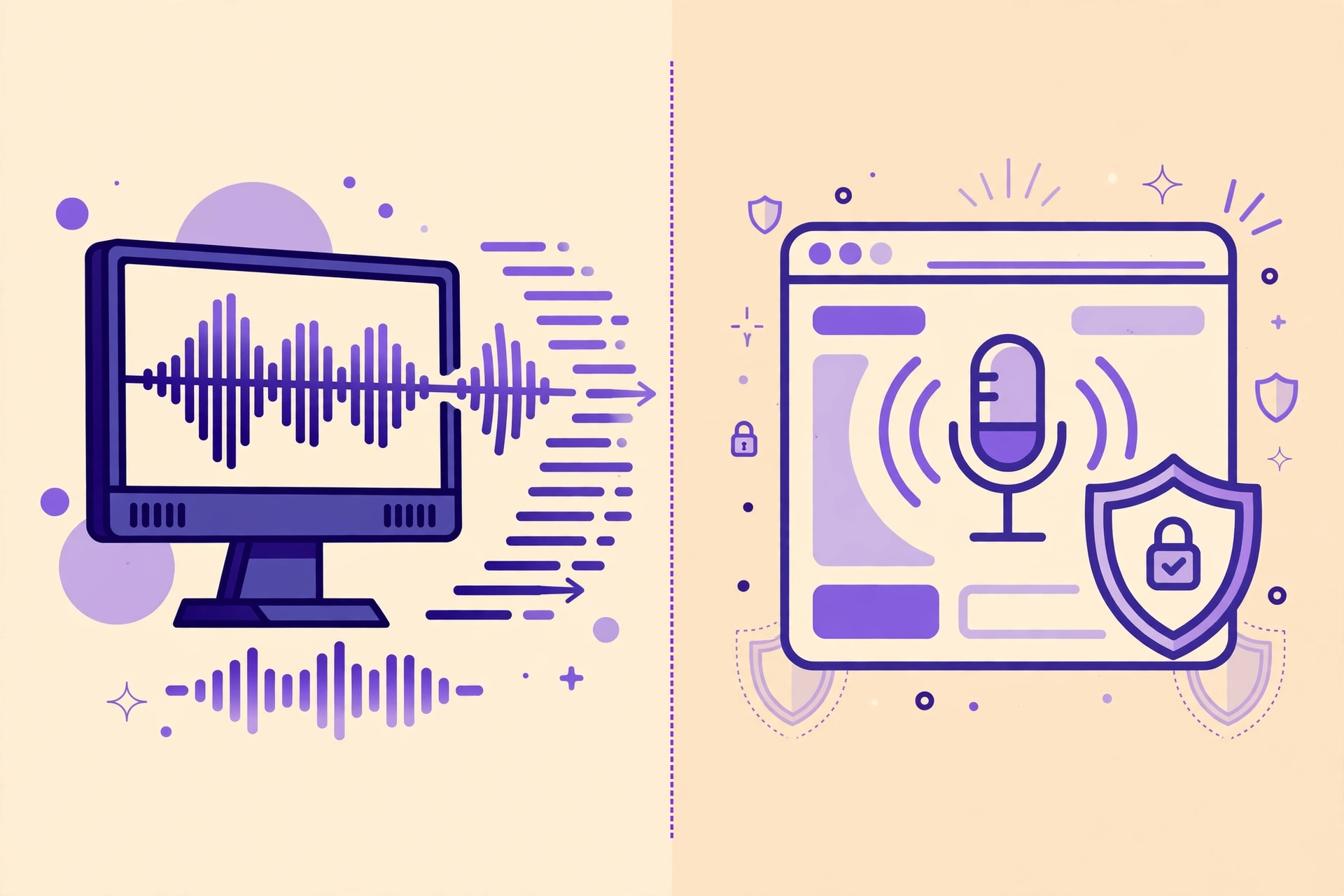
If you care about keeping your audio private, you have probably heard two recommendations: run OpenAI's Whisper model on your own computer, or use a transcription tool that runs entirely in your browser. Both keep your recordings off a third-party server, which is a big step up from uploading sensitive audio to a cloud service. But they are not the same thing, and the differences matter once you actually sit down to transcribe a podcast, a meeting, or a video.
This comparison looks at the three things creators actually feel day to day: privacy, speed, and accuracy — plus the setup effort nobody warns you about. No hype, no winner declared in advance: the right choice depends on what you transcribe and how comfortable you are with installing software.
What Whisper actually is
Whisper is an open-source speech recognition model released by OpenAI. Because the model weights are public, anyone can download them and run transcription on their own machine — no account, no API key, no audio leaving your device. Tools like Whisper.cpp, faster-whisper, and various desktop apps wrap the model in a usable interface, and the model comes in sizes from tiny to large: bigger models are more accurate but need more computing power.
The catch is the setup. Running Whisper locally usually means installing software, sometimes from the command line, choosing a model size, and waiting for a multi-hundred-megabyte download. On a modern laptop the smaller models run fine; the large model, which gives the best accuracy, really wants a decent GPU and can crawl on an older machine. For a technically comfortable creator, this is a one-time afternoon of setup. For everyone else, it is a genuine barrier.
What browser transcription means
Browser transcription runs the speech recognition model inside your web browser, using technologies like WebAssembly (WASM). You open a web page, drop in your audio or video file, and transcription happens on your device — the file is never uploaded to a server. Captionbench's free tool works this way: it transcribes locally in the browser and exports a timestamped SRT, VTT, or TXT file.
The trade-off is model size. A browser can only comfortably run smaller, optimized models, so browser transcription typically uses a compact model rather than Whisper's largest one. That is fine for clear, single-speaker audio — a clean voiceover, a well-recorded podcast, a quiet meeting — but it will struggle sooner than a large local model on noisy audio, heavy accents, or overlapping speakers. The upside is zero setup: nothing to install, nothing to configure, and it works the same on any computer with a modern browser.
Privacy: both are private, with one caveat each
On privacy, local Whisper and browser transcription are in the same league, and both are far ahead of cloud transcription services that store your audio on their servers. With local Whisper, your audio never leaves your machine at all — the model runs offline once downloaded. With a browser tool, the same is true in principle, but you are trusting the website's claim that nothing is uploaded. That trust is reasonable for a tool that visibly works offline after the page loads, but it is worth checking: a reputable browser tool will say so plainly, and you can verify it by watching your network activity or simply disconnecting from the internet after the page has loaded and seeing transcription continue.
- Local Whisper: strongest privacy story — fully offline, no website involved, no account. Best for lawyers, journalists, therapists, and anyone handling confidential recordings.
- Browser transcription: equally private in practice for most uses, as long as the tool genuinely processes files on-device. Best for creators who want privacy without installing anything.
- Watch out for: tools that call themselves "browser-based" but quietly upload your file to a server for processing. If a tool requires an account and a long upload before transcribing, it is not really running in your browser.
Speed: setup time vs transcription time
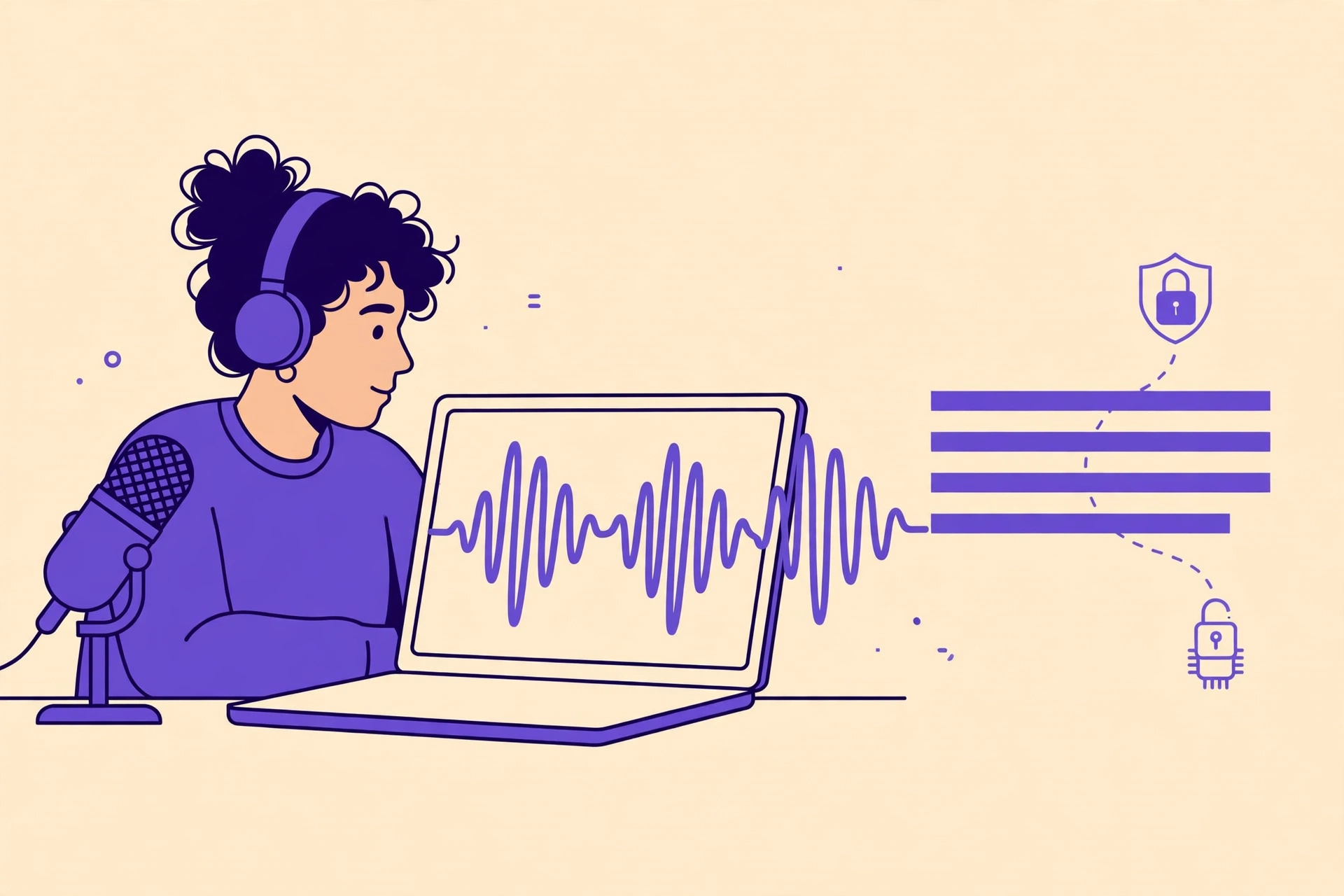
Speed has two parts, and each option wins one of them. Browser transcription wins on time-to-first-transcript: you can be transcribing within a minute of opening the page. Local Whisper wins on raw throughput once it is set up — especially with a GPU, where even the large model can process audio faster than real time, chewing through an hour-long recording in minutes.
For most creators, the honest math looks like this. If you transcribe occasionally — a video a week, a meeting here and there — the browser route is faster overall, because you skip installation entirely. If you transcribe hours of audio every day, the one-time setup of local Whisper pays for itself quickly, and batch-processing folders of files from the command line is something no browser tab will match. One practical note: browser transcription speed depends on your device too. A weak laptop or an old phone will transcribe slowly in the browser, and a long file may take a while — keep the tab in focus and let it work.
Accuracy: model size, audio quality, and language
Accuracy is where the large Whisper model earns its reputation. On clean English audio, a well-set-up large Whisper model is among the most accurate options available anywhere, including paid cloud services. It handles punctuation and casing sensibly, copes with varied accents better than most older systems, and supports dozens of languages.
Browser transcription, running a smaller model, is a step behind on hard audio — but "a step behind" still means very usable for most creator content. Clear speech, one speaker at a time, minimal background noise: you will get a transcript that needs light editing, mostly fixing names, brand terms, and niche vocabulary, which every automatic system gets wrong. Where the gap shows up is noisy rooms, crosstalk, mumbling, and low-resource languages. A few habits close much of the gap for either option:
- Record clean audio first. A close microphone matters more than model size. A $30 lavalier mic will improve your transcript more than upgrading from a small model to a large one.
- Always review once. Read the transcript while listening at 1.25x speed. Fix names, numbers, and terms before publishing — especially in captions, where viewers will see every error.
- Pick the right model for the job. If you run Whisper locally, use the largest model your hardware handles comfortably for final captions, and a smaller one for quick drafts.
Which one should you use?
Choose local Whisper if you transcribe confidential material, process large volumes of audio regularly, are comfortable installing software, or have a machine with a decent GPU. It is the power-user option: maximum control, maximum privacy, and the best accuracy available for free — once you get past setup.
Choose browser transcription if you want to start in the next two minutes, work across different computers, transcribe occasionally, or simply do not want to install and maintain software. For captioning YouTube videos, podcast episodes, and course content, a good browser tool covers the job, and you can export the SRT straight into your editor or upload platform.
There is also a perfectly sensible hybrid: use the browser tool for quick jobs and day-to-day captioning, and keep local Whisper for the long, sensitive, or difficult recordings where its accuracy and offline privacy justify the setup. You do not have to marry one workflow. Most creators end up using both, and that is the honest answer — the "versus" in the title is a choice per project, not a loyalty test.
Key takeaways
- Local Whisper and browser transcription both keep your audio on your device — unlike cloud services that upload and store it.
- Local Whisper offers the best free accuracy and full offline privacy, but requires installation and a capable machine for its large model.
- Browser transcription wins on convenience: zero setup, works anywhere, and is accurate enough for most clear, single-speaker content.
- Clean recording matters more than model size — and every automatic transcript deserves one review pass before publishing.
Want to try the browser route right now? Transcribe your audio free with Captionbench — no account, no uploads, and your file never leaves your device.