Tool Comparisons
Free vs Paid Transcription Tools: When Paying Is Worth It
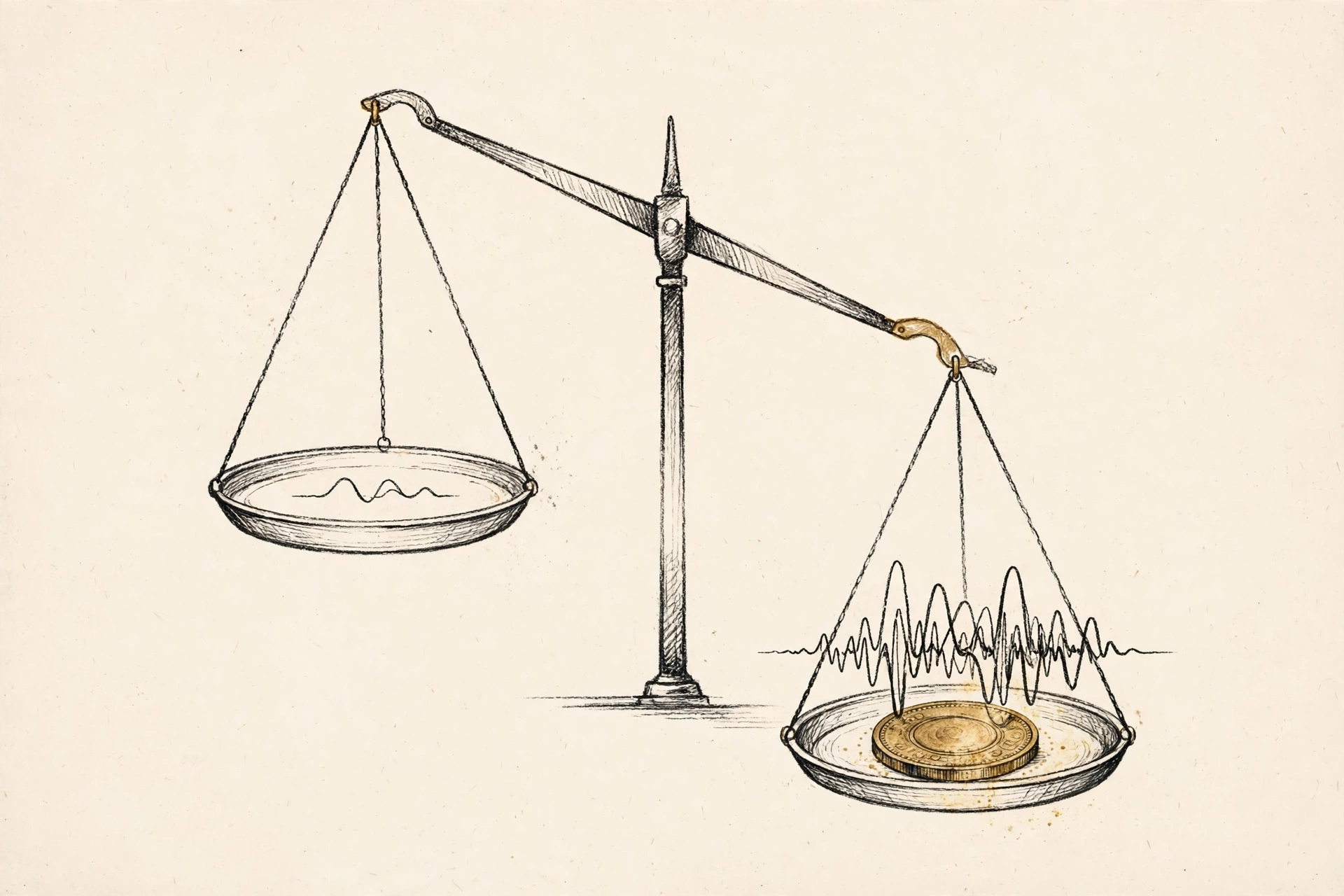
Transcription pricing spans an absurd range in 2026: from literally zero to about $120 an hour. Both ends are real products, and both are the right answer for somebody. The trick is knowing which somebody you are, because the most expensive mistake is not overpaying. It is paying for capacity you never use, or spending your own hours fixing free output that a $25 subscription would have handled.
This guide maps the free shelf against the paid shelf, does the per-hour math with current figures, and names the situations where paying wins and where it does not.
The free shelf: better than most people assume
Free transcription in 2026 is genuinely good for common creator work: short clips, clear speech, caption files:
- Captionbench (our tool): free, no account, processes in your browser with nothing uploaded. Clips up to 3 minutes / 25 MB, English/Hindi/Urdu, SRT/VTT/TXT export. The limit is scope, not quality. It is a caption-file generator, not a production suite.
- YouTube Studio auto-captions: free for anything you upload, editable and downloadable. Serviceable on clear English; weaker elsewhere.
- Clipchamp autocaptions: free for all users including the free plan, 80+ languages, SRT download, watermark-free 1080p export. Requires a Microsoft account.
- Otter.ai Basic: 300 minutes a month free, with live transcription and speaker identification, but capped at 30 minutes per conversation and three lifetime file imports, which constrains regular video work.
- Fireflies.ai free: unlimited transcription with 800 minutes of storage per seat, though AI summaries are limited. Meeting-oriented, like Otter.
- Self-hosted Whisper: the open model behind many of these tools, free forever, if you have a GPU, Python, and the patience to set it up.
Notice what the free shelf does not include: long files without caps, team workspaces, integrations, and anyone to call when something breaks. Those are what the paid shelf sells.
The paid shelf, with the per-hour math
Paid transcription comes in three shapes: pay-per-minute APIs, subscriptions, and human services. Converted to a common unit — cost per hour of audio, with figures reported in 2026:
Service                      Model              Approx. $/hour of audio
Whisper API (OpenAI)         pay-per-minute     $0.36
Rev AI (standalone)          pay-per-minute     $15
Rev human transcription      per minute         $119.40
Descript Creator (annual)    subscription       flat ~$24/month
Trint Starter (per seat)     subscription       flat ~$80/month
Otter Pro (monthly)          subscription       flat $16.99/month
The API row is the eye-opener: at $0.006 a minute, an hour of audio costs about thirty-six cents through OpenAI's Whisper API. Rev's AI tier at $0.25 a minute is roughly forty times that per hour. You are paying for the editor, the workflow, and the support around the transcript, not the raw transcription. Human transcription at $1.99 a minute ($119.40 an hour) is another order of magnitude up, and it is priced for a different job entirely: certified accuracy.
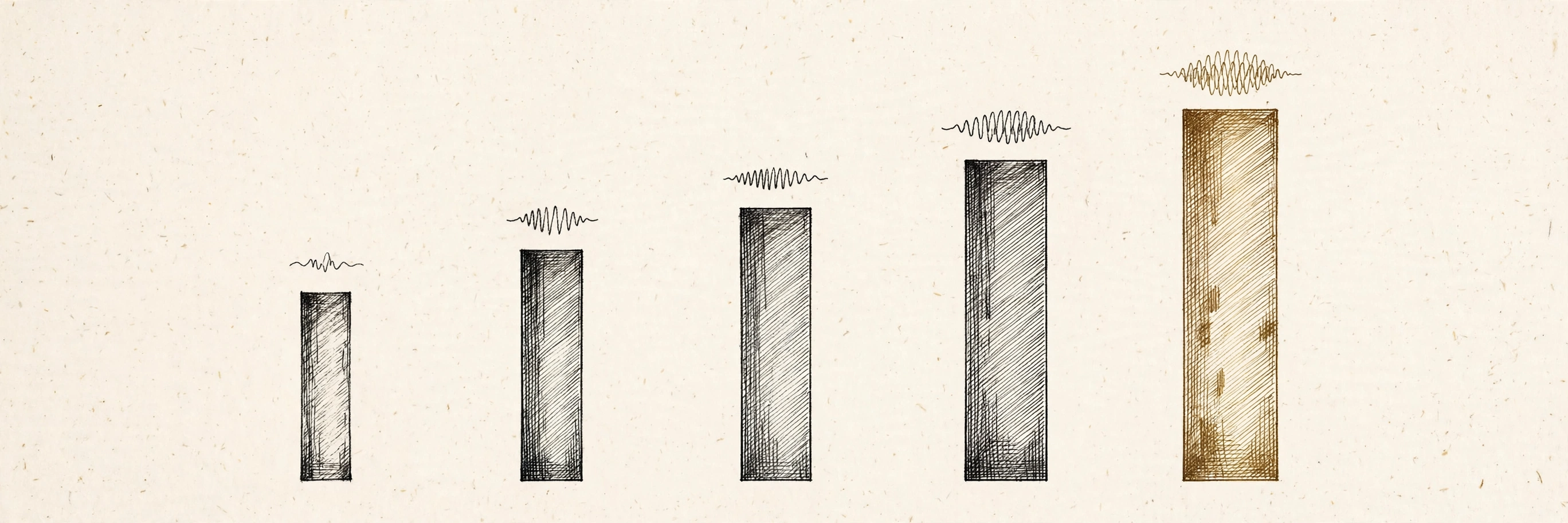
Subscriptions flip the math. A $24-a-month plan is cheaper than pay-per-minute the moment your volume passes a couple of hours a month, and more expensive than free the moment your volume drops to zero. That is the entire decision, and it is worth making explicit:
When paying is worth it
1. You transcribe more than a few hours a month. Take your monthly hours, multiply by the per-minute rate, and compare with the subscription. Five hours a month through Rev's AI tier is about $75; the same five hours on a mid-tier subscription is $17–$25. Volume is the single biggest reason to pay.
2. Accuracy has legal or professional consequences. Court filings, medical records, and published interviews need human-level accuracy. Rev's human tier at $1.99 a minute exists for exactly this. It is wildly overpriced for anything else. A useful middle path: run AI first for review and drafts, pay a human only for the final record.
3. Your audio is genuinely bad. Heavy background noise, overlapping speakers, thick accents. AI accuracy degrades fast, and the hours you spend correcting a cheap transcript can cost more than a human transcript would have. If you can barely understand the recording yourself, price the human option before you commit to fixing the AI one.
4. Transcription is step one of a bigger workflow. Descript's transcript-based editing, Otter's meeting integrations, Trint's story builder for journalists. Subscriptions bundle the transcript with the work around it. If you use the surrounding features daily, the subscription is paying for a workstation, not words-per-minute.
5. A team touches the transcripts. Shared workspaces, permissions, comments, version history — these are subscription features everywhere. The moment a second person needs reliable access, free single-user tools start costing you in coordination.
When free wins
Flip each of those around. If you caption a few short clips a week, the free shelf covers you completely: Captionbench for private caption files, Clipchamp or CapCut when you want styling, YouTube Studio for uploads. If your volume is spiky (a busy month, then nothing), pay-per-minute APIs beat subscriptions that charge you in the quiet months. And if you are technical enough to run Whisper locally, the marginal cost of transcription is your electricity bill.
The trap to avoid is the middle: a subscription you keep "just in case." Audit it the way you would any subscription: hours transcribed last month times the alternative rate, versus the fee. If the fee wins three months running, cancel and go back to free until volume returns.
A practical decision in one paragraph
Under ~2 hours a month of clear audio for captions or notes: stay free. Two to ten hours a month, or a team, or integrations: take a mid-tier subscription ($8–$25/month) and check the metered limits before you commit. Anything where an error costs real money or legal standing: pay for human transcription and do not apologize for the invoice. Everything else is marketing.
Key takeaways
- The free shelf (Captionbench, YouTube Studio, Clipchamp, Otter Basic, Fireflies free) covers most creator transcription needs at zero cost.
- Per-hour math: Whisper API ~$0.36/hr, Rev AI ~$15/hr, Rev human ~$119.40/hr — subscriptions win on volume, APIs win on spiky use.
- Pay when volume is steady, accuracy is legally critical, audio is poor, the workflow surrounds the transcript, or a team is involved.
- Stay free for a few short clips a week; audit any subscription against actual hours transcribed.
- Hybrid works: AI for drafts and review, human transcription only for the final record that matters.
Starting with the free option? Try the free Captionbench tool. Caption files in your browser, no account, nothing uploaded.