Tool Comparisons
Descript vs Captionbench for Podcast Transcription
Podcasters ask for "transcription" but usually mean one of two jobs. The first is the full episode: a searchable transcript you can edit like a document, cut filler from, and publish as show notes. The second is the clip: sixty seconds pulled for a Reel, a Short, or an audiogram, which needs timed captions burned in or shipped as an SRT.
Descript is built for the first job. Captionbench, our own free tool, is built for the second. This comparison is written with that bias declared, and it gives Descript full credit: for full-episode podcast production, it is the more capable tool, and this article will say so plainly.
Descript: the transcript is the editor
Descript's defining idea is that the transcript and the timeline are the same thing. Delete a sentence in the transcript and it is cut from the audio. That single mechanic, plus multitrack recording, caption generation, and clip extraction, makes it a genuine podcast production suite rather than a transcription utility.
The pricing is metered in two currencies, which is worth understanding before you sign up. Plans are measured in media minutes (audio and video you process) and AI credits (spent on features like transcription enhancements and generation). Current plan reporting puts the free tier at about 60 media minutes a month with a one-time grant of AI credits and 720p export. The Hobbyist plan runs $24 a month, or $16 a month on annual billing, with roughly 10 media hours and a monthly credit allowance. Creator is $35 a month ($24 annual) with about 30 media hours, and Business is $65 a month ($50 annual).
Two honest caveats. First, the metering means transcription is not unlimited: a podcaster publishing two hour-long episodes a week will feel the media-minute budget on the lower tiers. Second, Descript is a platform commitment: your projects, recordings, and editing history live in its ecosystem. That is fine if it becomes your studio; it is friction if you only wanted a transcript.
The metering also shapes which tier fits which podcaster. A monthly interview show at 45 minutes an episode uses under two media hours a month, comfortably inside the free tier's budget, though the credit allowance still limits how much AI processing you can lean on. A weekly two-host show with video quickly needs the Hobbyist or Creator tier. The practical move is to track one real month of usage before choosing a plan: count your recorded minutes, add a margin for re-takes and clip extraction, and pick the tier that covers it without forcing you to ration.
On the credit side, Descript deserves a specific compliment: few competitors make transcript-based editing this approachable for non-editors. A host who has never touched a timeline can cut ums, rearrange answers, and tighten pacing by editing text. That is work that used to require either an editor or a weekend of learning audio software. For interview podcasts, that is the feature the subscription is really buying.
Captionbench: a caption file, fast, for short clips
Captionbench does one thing. You drop in a video or audio file up to 3 minutes and 25 MB, it transcribes in your browser with an open speech model, and you get timed captions to copy or download as SRT, VTT, or TXT. There is no account, no upload (the file never leaves your device), and no paid tier. Languages are English, Hindi, and Urdu with auto-detection.
What it does not do is everything Descript does: no multitrack editing, no transcript-based cutting, no recording, no show notes, no publishing. It is a caption-file generator for short clips. For a full 45-minute episode transcript, it is the wrong tool. The 3-minute cap alone rules that out.
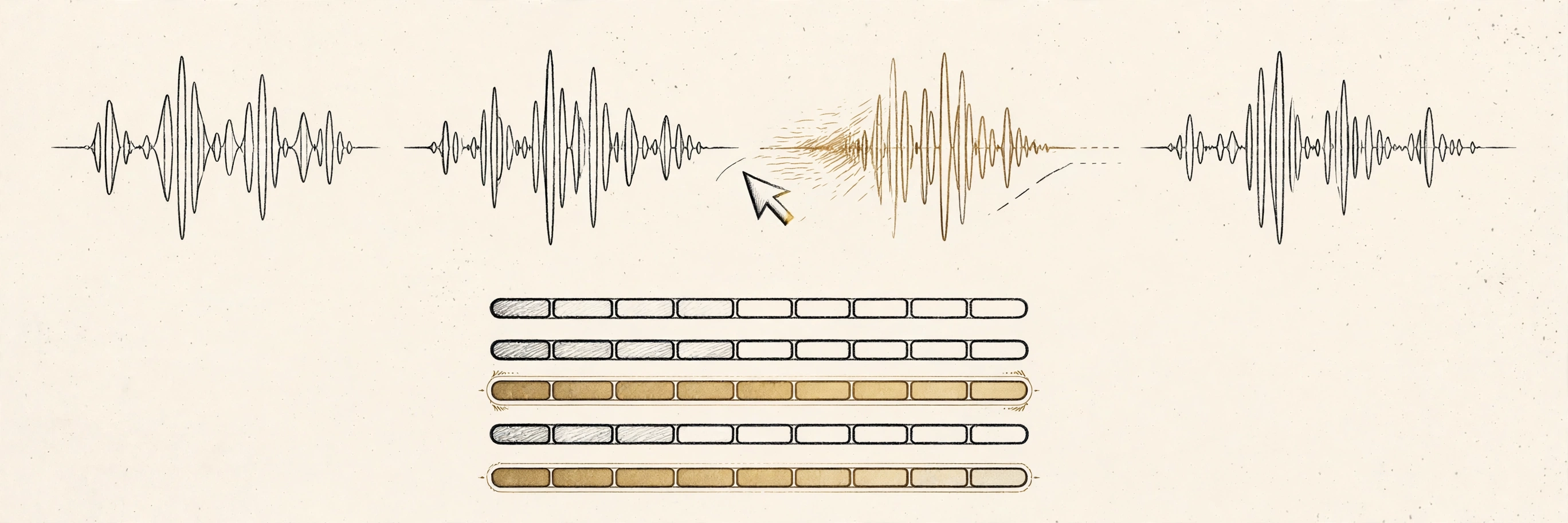
Head to head: which podcast job is yours?
- Editing the full episode. Descript, without contest. Transcript-based cutting, filler-word removal, and multitrack handling are exactly what a weekly show needs.
- Publishing show notes or a blog version. Descript. The transcript is the raw material, and its editor is built for cleaning it up.
- Captioning a 60-second promo clip. Captionbench. Faster than opening a project in Descript, no account, and the SRT drops straight into your video editor.
- Clips in Hindi or Urdu. Captionbench explicitly supports both; check Descript's current language list before assuming coverage.
- Unreleased or sensitive recordings. Captionbench processes on-device with no upload. Descript, like any cloud studio, handles your media on its servers.
- Budget. Captionbench is free without limits to discover. Descript's free tier (about an hour a month) is a real trial; regular publishing needs a paid plan.
The workflow most podcasters actually end up with
In practice these tools are complements, not substitutes. A common setup: record and edit the episode in Descript, where the transcript-based workflow earns its subscription. Then, when you pull three clips for social, run each through Captionbench for a quick reviewed SRT instead of spinning up the full Descript project. Or generate the SRT in Descript if you are already there and prefer one tool.
The deciding question is where you spend your time. If the episode edit is the work, Descript's subscription pays for itself in the first month. If you only need captions for clips a few times a month, a free browser tool covers it and the subscription would be shelfware.
Either way, the artifact you are after for clips is the same timed-caption file:
1
00:00:00,000 --> 00:00:03,100
Welcome back to the show. Today
we are talking about sleep.

2
00:00:03,100 --> 00:00:06,400
Specifically, why your afternoon
coffee is lying to you.
Generate it once, review it once, and reuse it everywhere the clip goes. Our SRT vs VTT guide covers which format each platform expects.
Key takeaways
- Descript is a podcast production suite: transcript-based editing, recording, and clip tools, metered by media minutes and AI credits.
- Its free tier (~60 media minutes/month) is a genuine trial; regular episode publishing needs the Hobbyist plan ($16/month annual) or higher.
- Captionbench is a free, no-account caption-file generator for clips up to 3 minutes — the right tool for promo clips, not full episodes.
- Most podcasters end up using both: Descript for the episode edit, a lightweight tool for quick clip captions.
Need captions for a clip right now? Try the free Captionbench tool. It runs in your browser, no signup, SRT in minutes.