Video & SEO
How to Get More Accurate AI Captions: 9 Practical Tips
AI transcription has made captioning fast, but “fast” and “accurate” are different things. The model can only work with the audio you give it: feed it a distant laptop microphone in a noisy café, and no amount of clever software will reconstruct the words cleanly. Feed it a clear recording, and the draft comes back needing only a light proofread.
Most accuracy problems are decided before you press “transcribe.” These nine habits cover the full chain, recording, setup, and review, and each one removes a class of errors that editing alone cannot fix cheaply.
1. Record clean audio at the source
This is the single highest-leverage tip. A microphone close to the speaker in a quiet room beats every post-processing trick. Inc.com’s transcription guide puts it plainly: choose a location with little to no background noise, then choose the right microphone for the environment. For interviews, that means a lapel mic on each speaker or a recorder placed evenly between faces; for a lecture, a directional mic pointed at the speaker.
You do not need studio gear. A phone held close in a quiet room consistently outperforms a laptop across the table. Distance is the enemy: every doubling of distance roughly halves the clarity of the voice relative to the room.
2. Kill background noise before it reaches the mic
Music beds, air conditioning, traffic, keyboards, other people talking: background sound competes directly with speech, and the model has to guess which is which. The HyperWhisper documentation notes that background noise decreases the accuracy of every transcription provider, cloud or local, and raises the risk of the model inventing words that were never said.
Practical steps: turn off the AC for the recording if you can, close the window, and record a few seconds of room silence first so you can hear what the mic hears. If noise is unavoidable, a directional microphone aimed at the speaker rejects far more of it than an omnidirectional one.
3. One speaker at a time
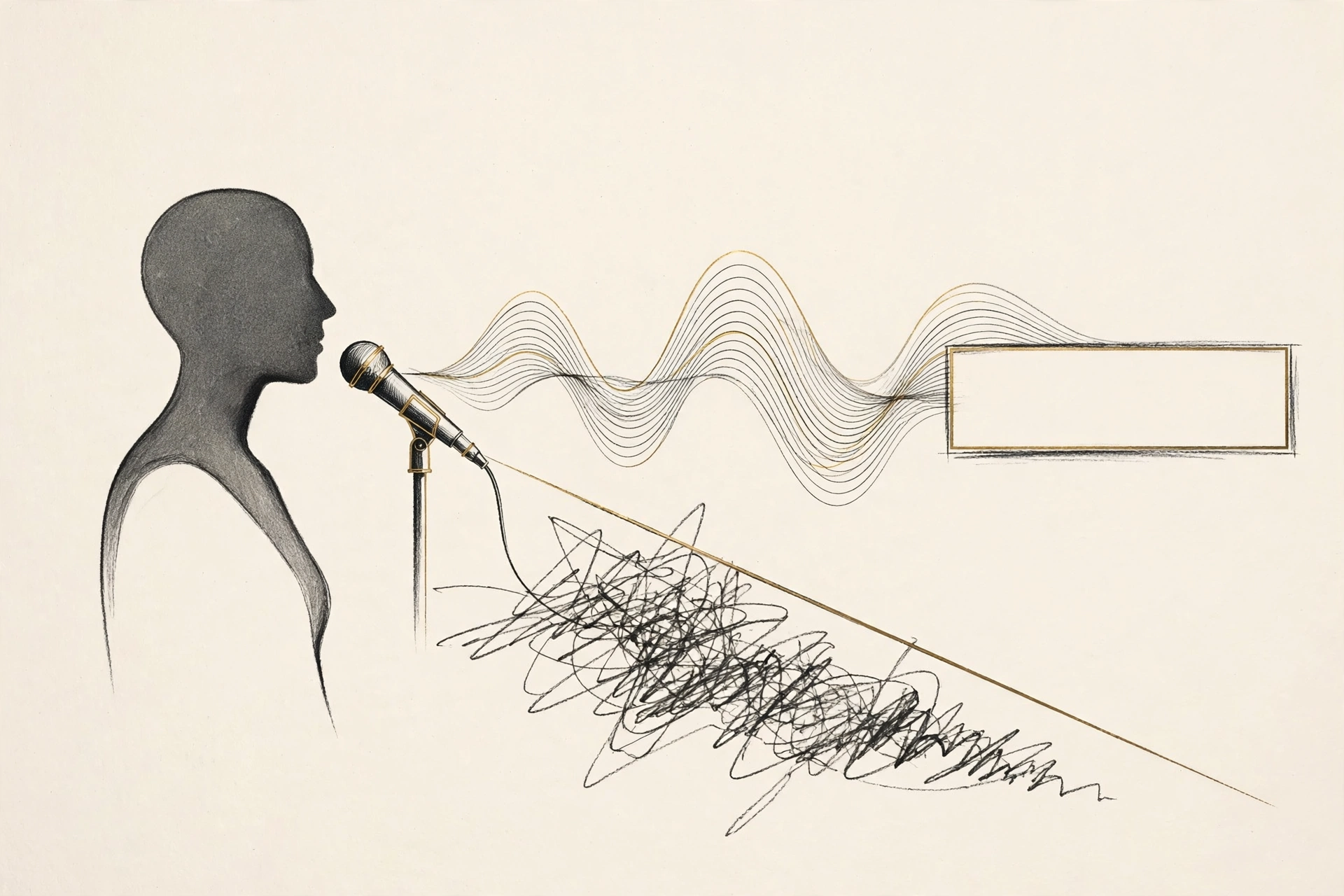
Crosstalk — two people talking over each other — is where even good models fall apart. The audio becomes a single tangled signal, and the transcript comes back with merged sentences or dropped halves. Lilach Bullock’s transcription guide lists avoiding people talking over each other alongside mic placement as the core of getting a cleaner transcript.
For interviews and panels, build in the habit of letting each answer finish. It feels slightly formal at first, but it produces both better audio and a transcript you can actually use.
4. Speak at a natural, steady pace
Rushed speech, mumbling, and words run together are hard for humans to parse, let alone models. You do not need to speak like a newsreader (overly robotic delivery can actually confuse things), but a steady, conversational pace with clear word boundaries gives the model the cleanest signal. If you tend to speed up when nervous, a quick practice run usually settles it.
5. Set the right language before you transcribe
Transcription models do better when they know which language to expect. If your video is in Urdu, tell the tool it is in Urdu rather than leaving it on auto-detect and hoping. Captionbench offers auto-detect plus explicit English, Hindi, and Urdu options for exactly this reason: a declared language narrows the model’s choices and cuts down on cross-language misfires, especially with names and loanwords.
6. Give the model your proper nouns
Names of people, products, places, and technical terms are the most common errors in an otherwise clean transcript. They are rare words the model has little context for. The fix is preparation: keep a short list of the spellings as you record. Some professional tools let you feed in a custom vocabulary; where yours does not, the equivalent is a careful proofreading pass focused only on names and terms.
A useful habit: when someone introduces themselves on a recording, ask them to spell their name. Thirty seconds of awkwardness saves a round of corrections later.
7. Work in short sections, not marathons
Long files are harder to review than short ones, and errors compound: a misheard term in minute two gets repeated in minutes twelve and twenty. Splitting a long recording into sections, by topic, chapter, or a simple time split, makes the review pass manageable and keeps mistakes contained. It also matches how most tools are built: Captionbench, for example, processes files up to three minutes, which turns out to be a comfortable unit for both transcription and proofreading.
8. Proofread against the audio, not just the text
Reading the transcript alone catches typos. Reading it while listening catches the errors that look plausible on paper: “their” for “there,” a misheard product name, a number that is confidently wrong. Play the audio at normal speed and follow the text; your ear will flag what your eye skips.
Prioritize ruthlessly. In a ten-minute video, check every proper noun, every number, and every sentence that will appear in the first thirty seconds. A typo in minute nine costs you less than a wrong name in the opening.
9. Fix timing and line breaks, not just words
Accuracy is not only spelling. A caption that is correct but appears two seconds late, or dumps forty words on screen at once, fails the viewer. After the words are right, check the timing: each caption should appear as the words are spoken and stay readable. Break long sentences into short lines of one idea each:
Before:
1
00:00:04,000 --> 00:00:09,500
So what I wanted to talk about today is the
whole question of whether you should water
your plants in the morning or the evening.

After:
1
00:00:04,000 --> 00:00:06,200
So what I wanted to talk about today

2
00:00:06,200 --> 00:00:09,500
is whether you should water your plants
in the morning or the evening.
Shorter cues are easier to read, easier to time, and, on platforms that show two lines at most, the only thing that actually fits.
Key takeaways
- Accuracy starts at recording: a close mic in a quiet room matters more than any software setting.
- Eliminate background noise and crosstalk — they cause the errors that are hardest to fix in editing.
- Declare the language, prepare your proper nouns, and work in short sections to keep mistakes contained.
- Proofread with the audio playing, prioritizing names, numbers, and the opening thirty seconds.
- Correct timing and line breaks too: short, well-timed cues are part of accuracy, not decoration.
Put the first seven tips into practice, then run your file through Captionbench — the draft it produces in your browser gives you a clean starting point for tips eight and nine.