Video & SEO
How Subtitles and Captions Boost Video SEO
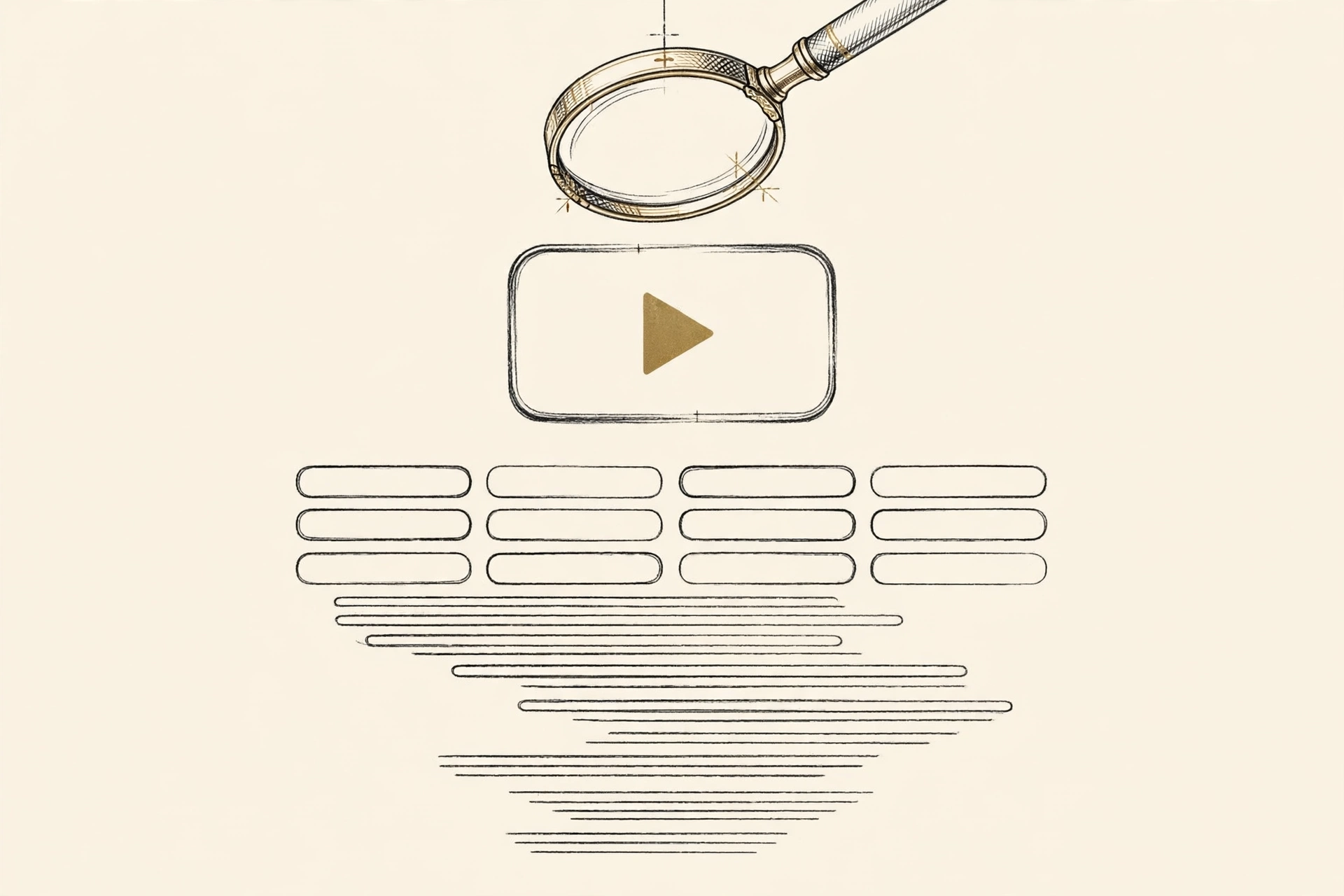
Here is a fact that shapes everything about video SEO: search engines cannot watch your video. They can read the title, the description, and the text on the page around it — but the ten minutes of you explaining your subject in detail might as well not exist. Unless you give them the words.
Captions and transcripts are how you do that. They turn the audio track, the part of your video richest in meaning, into text that crawlers can index, match against queries, and rank. This is not a trick or a loophole. It is simply making your content legible to the systems that decide what gets found.
Google indexes what it can read
Google’s own documentation on video search is explicit: Google extracts information from videos to show them in search results, and it works from the text that accompanies them: titles, descriptions, and transcripts among them. A video page with a full transcript gives Google a large body of relevant text to match against queries. A video page without one gives it a title and a thumbnail.
Think about what that means in practice. If your twenty-minute tutorial mentions “seasoning a cast-iron skillet” six times but your title only says “Kitchen Basics Ep. 12,” the transcript is the only place Google can learn what the video actually covers. Every word spoken on camera is a potential match for someone’s search — but only if those words exist as text somewhere the crawler can reach.
YouTube works the same way internally. Its search matches queries against video metadata and the transcript shown in the description panel. YouTube’s help pages walk creators through adding captions precisely because accurate caption tracks feed that system better than guesses.
Closed captions count. Burned-in captions don’t.
This distinction matters more than most creators realize. There are two ways to put words on a video:
- Closed captions travel as a separate sidecar file (SRT or VTT) alongside the video. Viewers can toggle them, and, crucially, platforms and search engines can read the text.
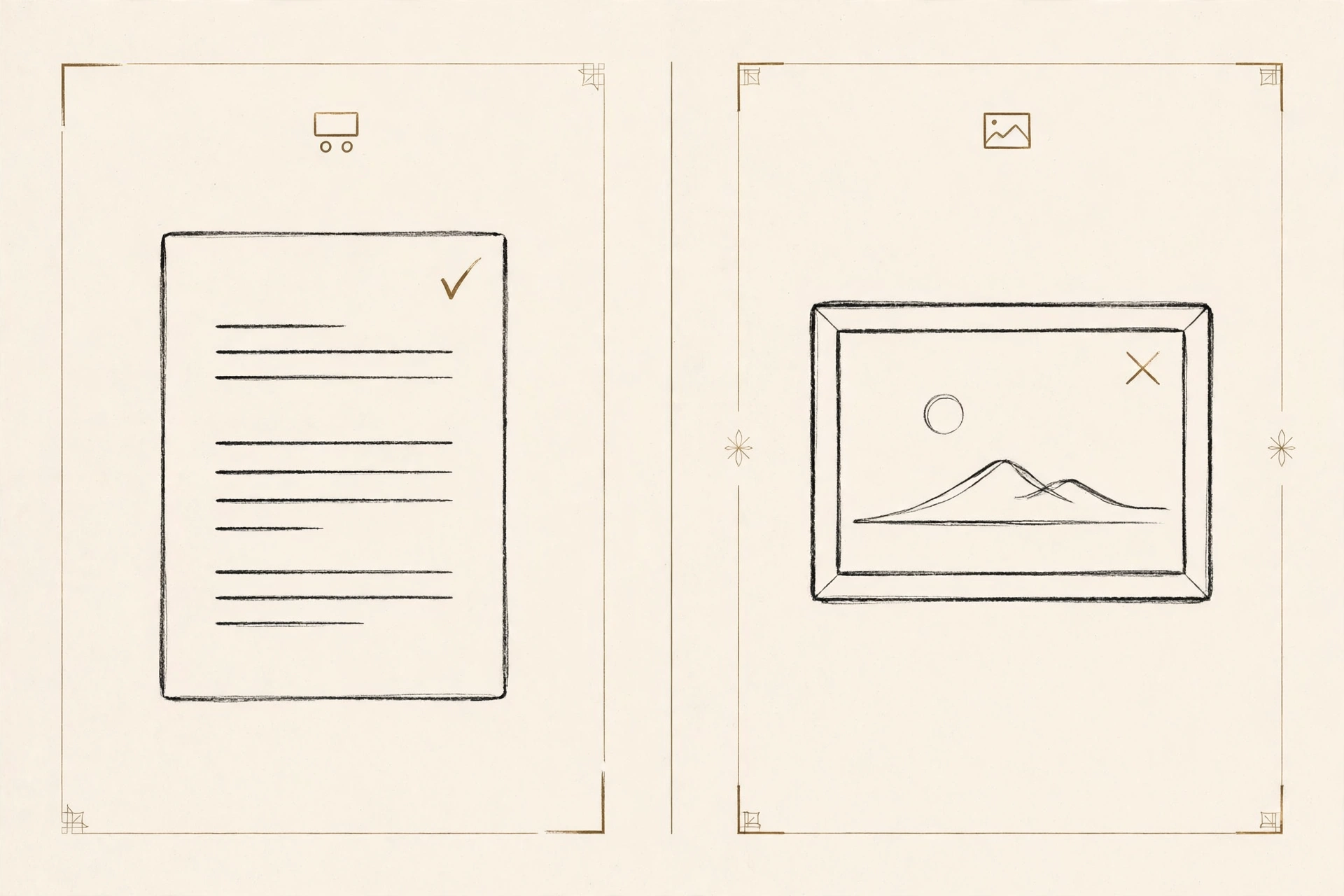
- Burned-in (open) captions are baked into the video pixels during export. They look the same to a viewer, but to a crawler they are just part of the image. No text file, nothing to index.
If SEO is any part of your goal, always keep a closed-caption file, even when you also burn captions into the picture for style. The burned-in version serves viewers; the sidecar file serves the machines. One does not replace the other.
The same logic applies to transcripts published on your own site. The W3C’s accessibility guidance has long recommended placing the transcript on the same page as the embedded video — good for viewers, and it puts a large volume of relevant, keyword-rich text directly on a URL that can rank. A transcript sitting in an unlinked PDF, or not published at all, helps nobody.
Accuracy is the whole game
Here is the uncomfortable part: an indexed transcript full of errors can work against you. If the auto-generated captions hear “neural networks” as “new networks,” your video becomes findable for the wrong terms and invisible for the right ones. As the caption service Scribie puts it, every SEO benefit of captions depends on the words being right. Accuracy isn’t a nice-to-have here; it’s the whole return on the investment.
This is also where the engagement side of SEO connects. A large share of video is watched on mute, and captions keep those viewers watching instead of scrolling away. Longer watch time and higher completion are exactly the signals YouTube uses to decide what to promote. So accurate captions help twice: once by giving search engines text to index, and again by keeping the humans those engines are measuring.
The practical upshot: never publish raw auto-generated captions if search matters to you. Generate them with AI to save time, then spend a few minutes correcting names, terms, and homophones before uploading. Our guide to getting more accurate AI captions covers the highest-value fixes.
A simple SEO workflow for your videos
- Transcribe with AI, then correct. Run your video through a transcription tool — Captionbench does this free in your browser — and fix the draft against the audio. Prioritize proper nouns, technical terms, and numbers.
- Upload the SRT to the platform. On YouTube: YouTube Studio → Subtitles → Add language → Upload file → With timing. This gives YouTube an accurate transcript to index and viewers a toggleable caption track.
- Publish the transcript on your site. If you embed the video on a blog post or landing page, paste the full transcript below it (or link to a transcript page). This is indexable text on your own domain.
- Say your keywords out loud. It sounds obvious, but the transcript only contains what you actually say. If you want to rank for a phrase, say the phrase in the video — naturally, in context.
What does the finished caption file look like? A clean SRT with honest timing:
1
00:00:12,000 --> 00:00:15,300
To season a cast-iron skillet, start
with a thin coat of flaxseed oil.

2
00:00:15,300 --> 00:00:18,700
Heat it past the oil’s smoke point,
then let it cool completely.
Every one of those words is now readable by a search engine. And by the viewer watching on mute in a quiet room.
Key takeaways
- Search engines can’t watch video; they index the text around and inside it. Captions and transcripts make your spoken content legible to them.
- Use closed captions (SRT/VTT sidecar files), not just burned-in text — only the sidecar file gives platforms indexable text.
- Accuracy determines the SEO value: error-filled transcripts rank for the wrong terms. Always review AI-generated captions before publishing.
- Publish transcripts on the same page as embedded videos to give your own domain indexable, keyword-rich text.
- Captions help twice: indexable text for crawlers, plus longer watch time from viewers who stay because they can follow along.
Start with the transcript: generate a free SRT for your next video in Captionbench, correct it once, and upload it everywhere the video lives.